Samsung
Aug 29, 2026
With operation log
Success
Verified E-GSM Tool Result
Enable ADB Exynos - Odin
- Samsung Generic
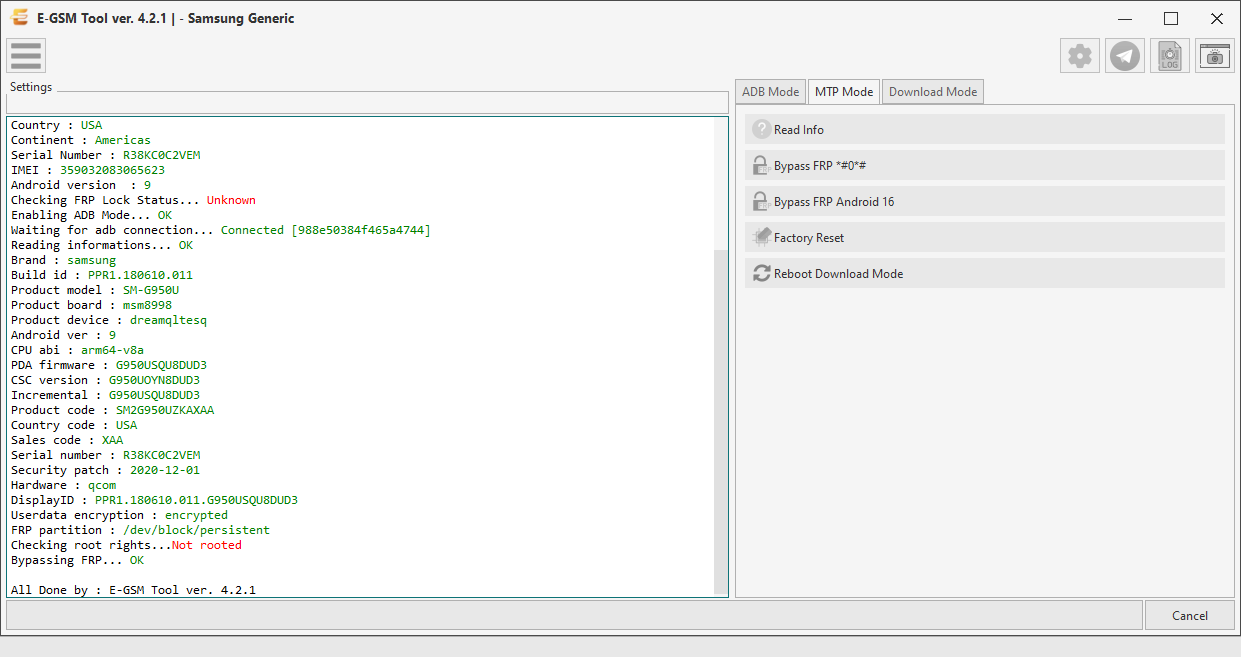
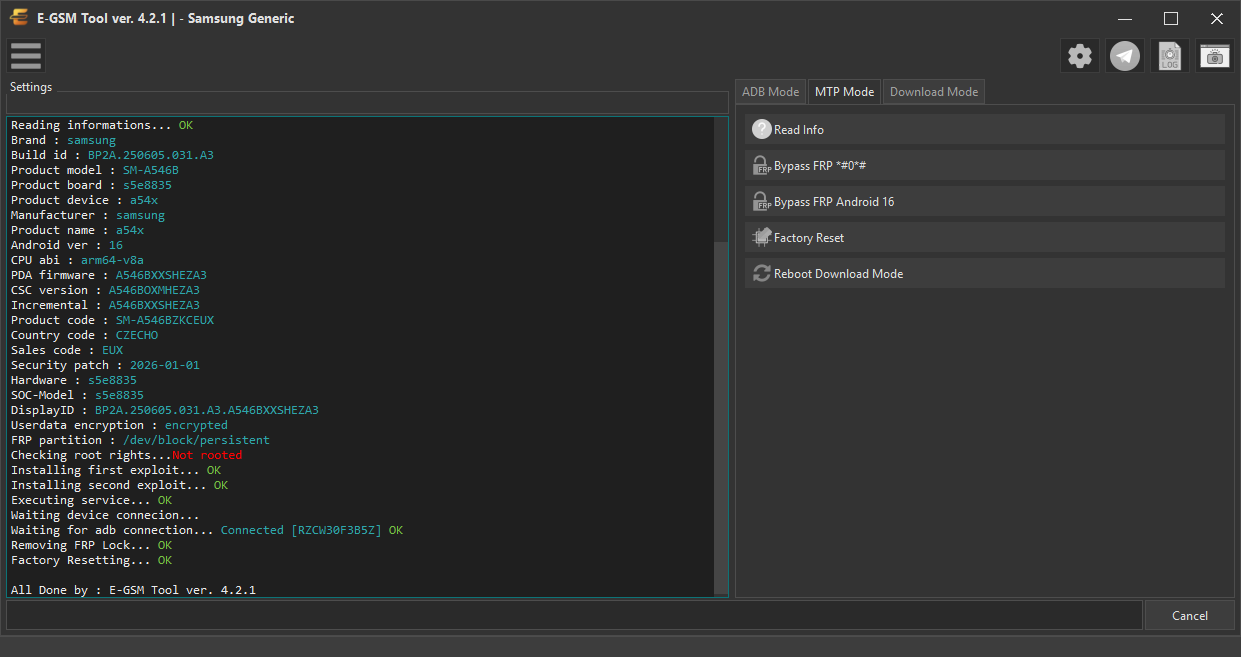
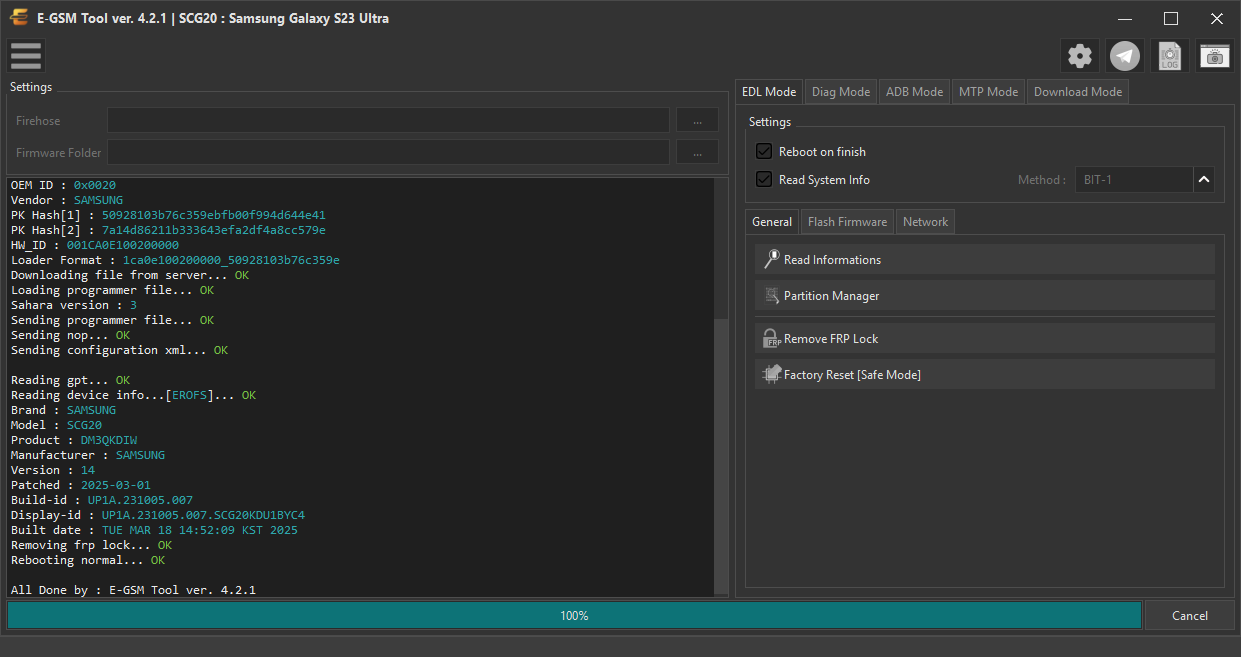
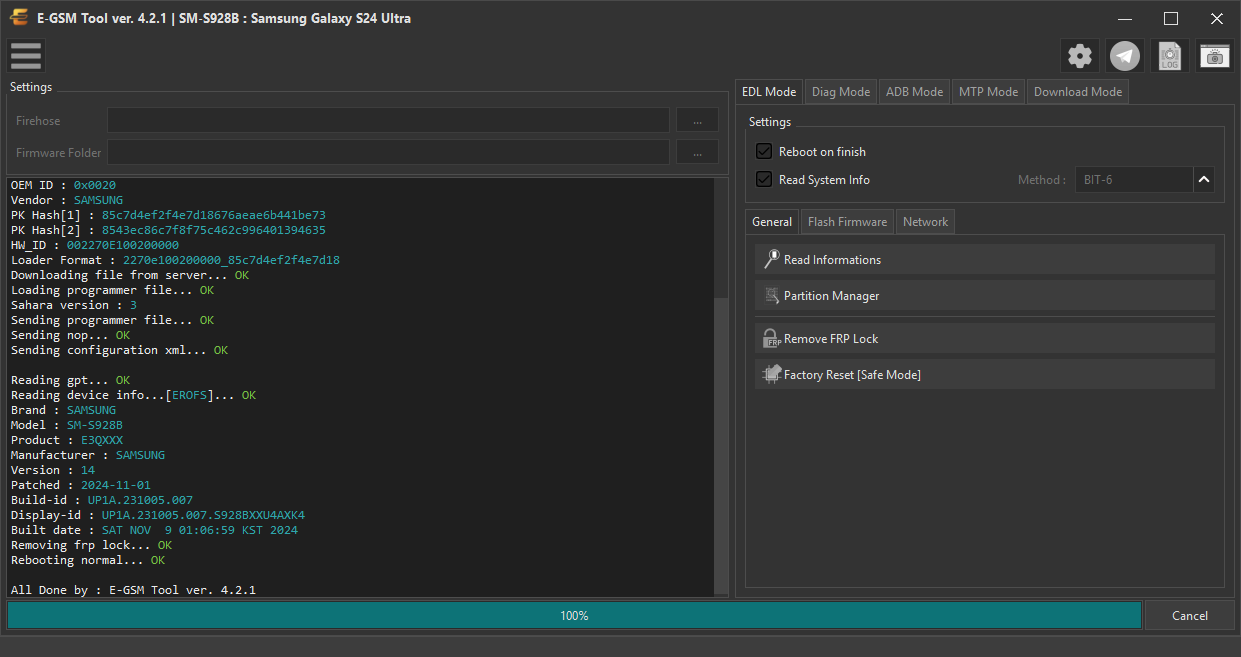
Real desktop tool capture for Samsung — zoom, download, or share this repair proof.
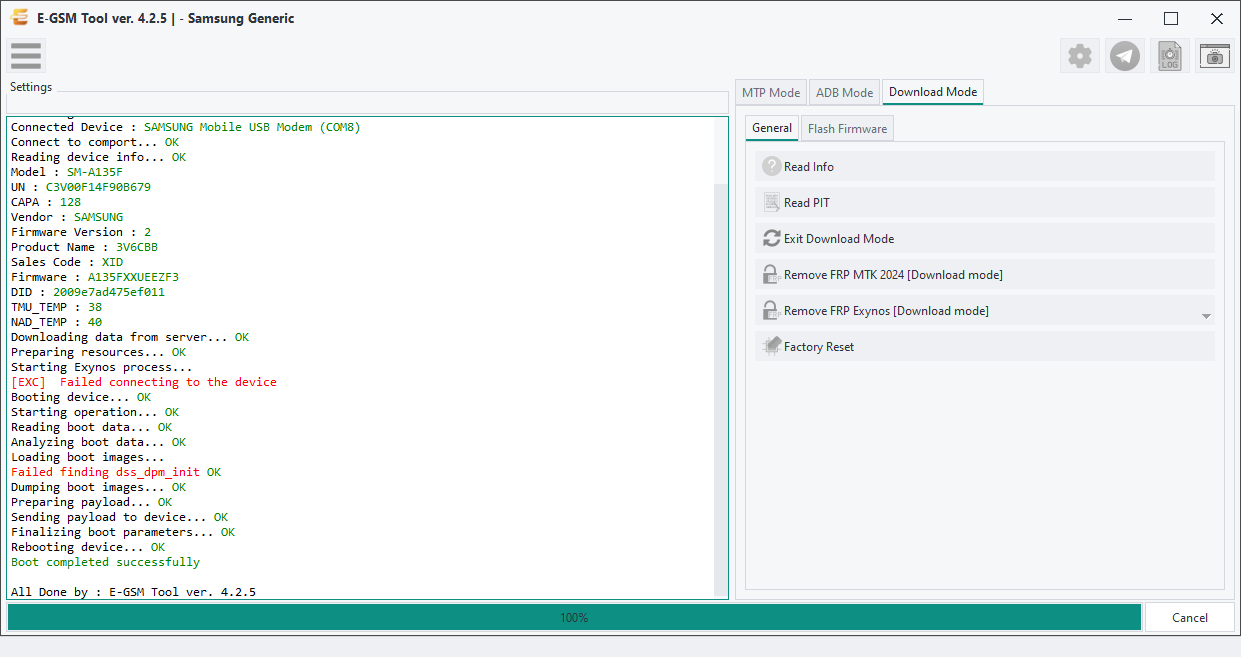
Operation Log
Console output captured within 5 seconds of this screenshot — same user, operation, brand and model.
p, li { white-space: pre-wrap; }
Operation : Remove FRP Exynos [Enable ADB Only]
Phone Mode : Download Mode
Selected Model : - Samsung Generic
Searching USB Flash interface... Found
Connected Device : SAMSUNG Mobile USB Modem (COM8)
Connect to comport... OK
Reading device info... OK
Model : SM-A135F
UN : C3V00F14F90B679
CAPA : 128
Vendor : SAMSUNG
Firmware Version : 2
Product Name : 3V6CBB
Sales Code : XID
Firmware : A135FXXUEEZF3
DID : 2009e7ad475ef011
TMU_TEMP : 38
NAD_TEMP : 40
Downloading data from server... OK
Preparing resources... OK
Starting Exynos process...
[EXC] Failed connecting to the device
Booting device... OK
Starting operation... OK
Reading boot data... OK
Analyzing boot data... OK
Loading boot images...
Failed finding dss_dpm_init OK
Dumping boot images... OK
Preparing payload... OK
Sending payload to device... OK
Finalizing boot parameters... OK
Rebooting device... OK
Boot completed successfully